 Client Galleries
Private galleries, beautifully delivered.
Share every session in a private gallery under your own brand, from choosing the shots to delivering the finished photos.
Client Galleries
Share every session in a private gallery under your own brand, from choosing the shots to delivering the finished photos.
When you create a gallery, choose the type that fits the step you're on.
You decide who gets into each gallery, and how.
Add a password to any gallery. Change it, and everyone who had access is signed out.
Visitors give their name and email before viewing, and you're told who came in.
Galleries stay unlisted unless you choose to show them on your client gallery page.
Location data is stripped from every photo when you upload it, so no photo reveals where it was taken.
Drag and drop your photos. Large uploads resume if the connection drops.
Email your client the gallery link, with the password if it has one.
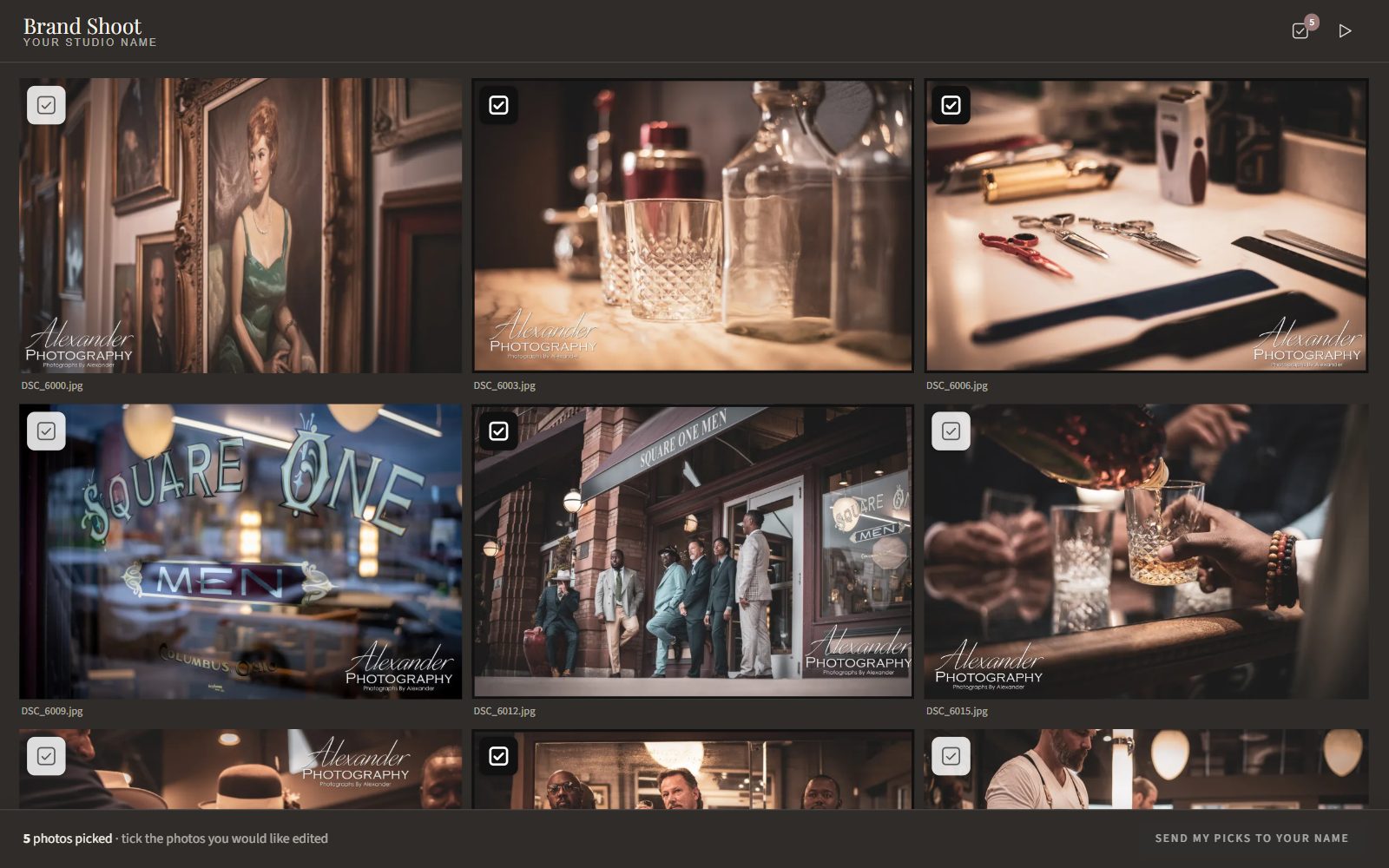
Clients choose their images, and you're notified.
Clients view, download and share their finished photos.
In a Pick gallery, clients tick the images they want in their package and send their picks. They can come back later to add or remove images, and every change lands in your inbox.
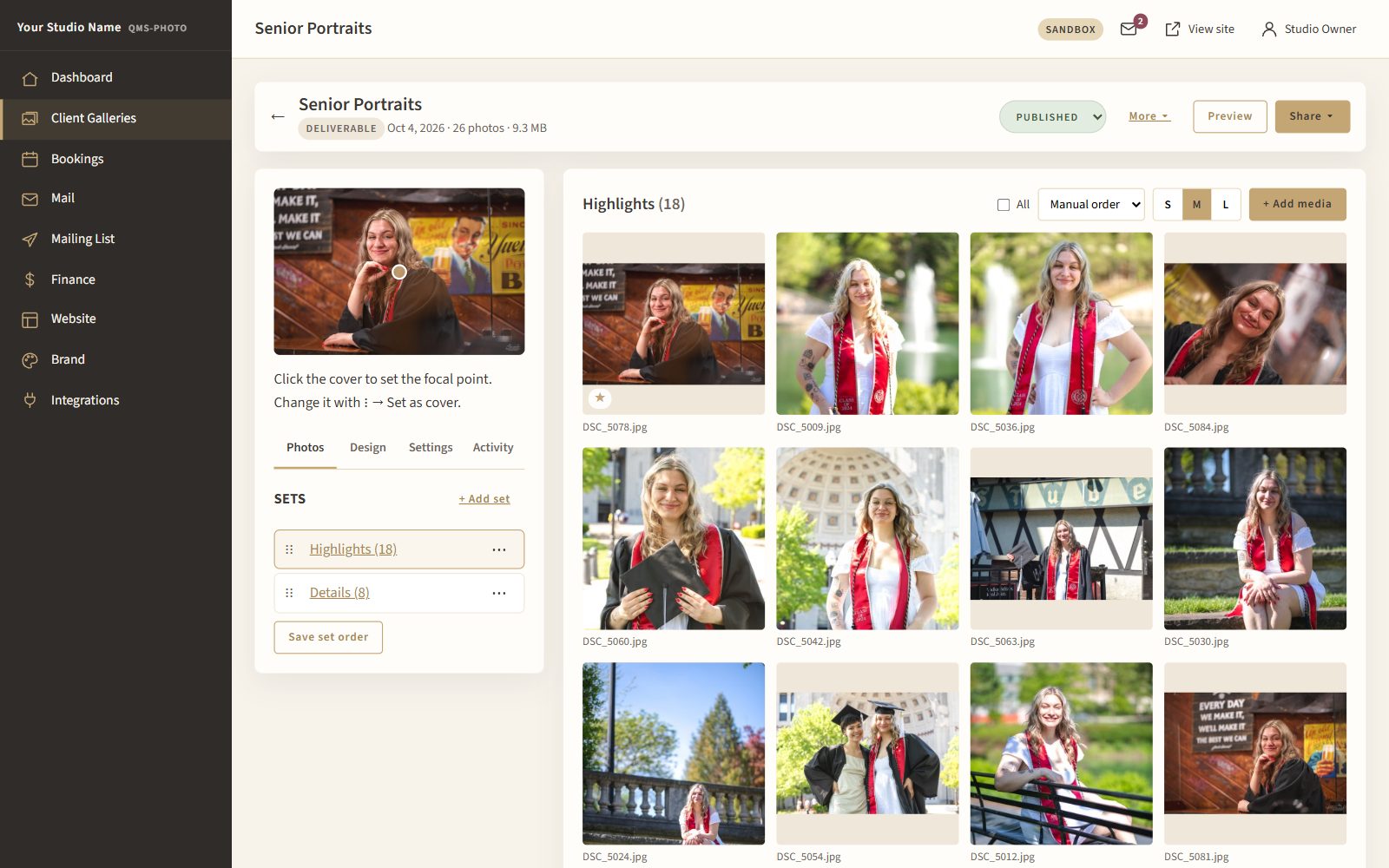
Upload whole sessions at once and arrange them the way you want.
Give each gallery the presentation it deserves.
Know exactly what happens in every gallery.
Keep galleries tidy without losing track of a client.
See all your galleries with their status, photo count, visitors and expiry, then open any one to manage photos, settings and activity.
See how QMS-Photo galleries make choosing and delivering photos easy.
Contact Us for Pricing