QMS-CLUB · Event Management

Events that run themselves
from flyer to final count.

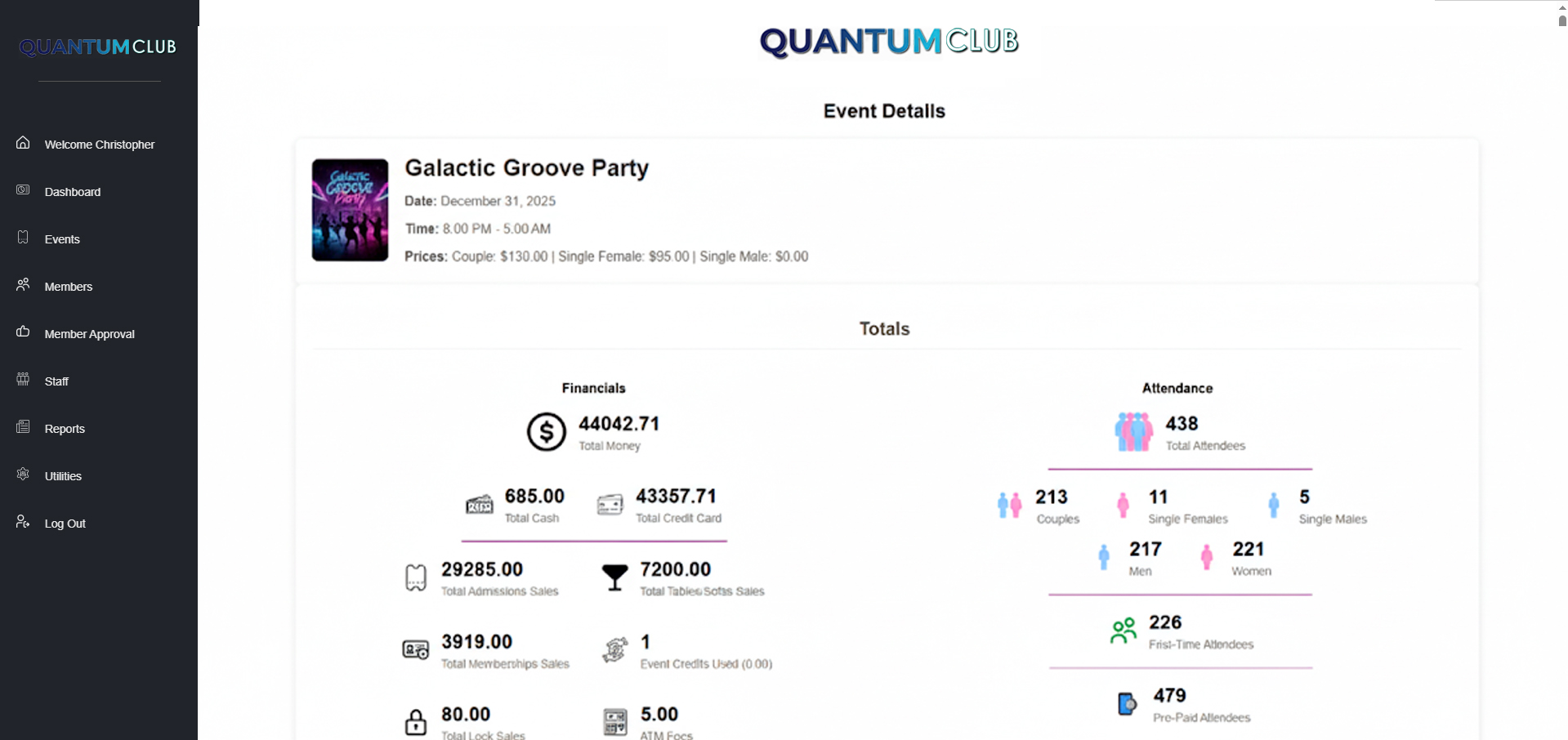
Create an event in minutes, open reservations, assign tables, and watch attendance and revenue roll in live — for intimate gatherings and sold-out parties alike.
manager — event calendar
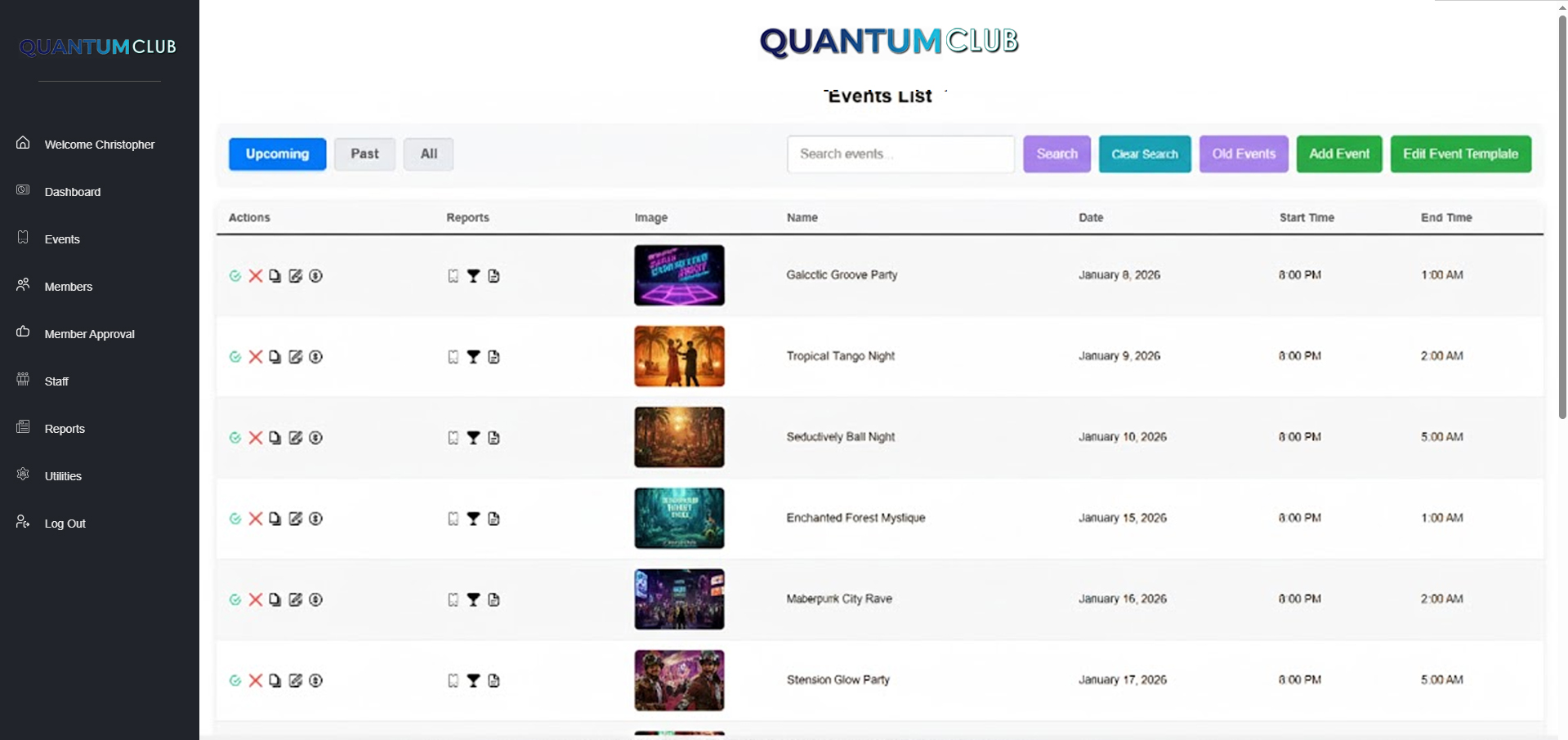
QMS-CLUB event calendar
Set up in minutes

Create an event before your coffee gets cold.

A straightforward interface that captures everything you need — and nothing you don't. No complexity, no confusion.

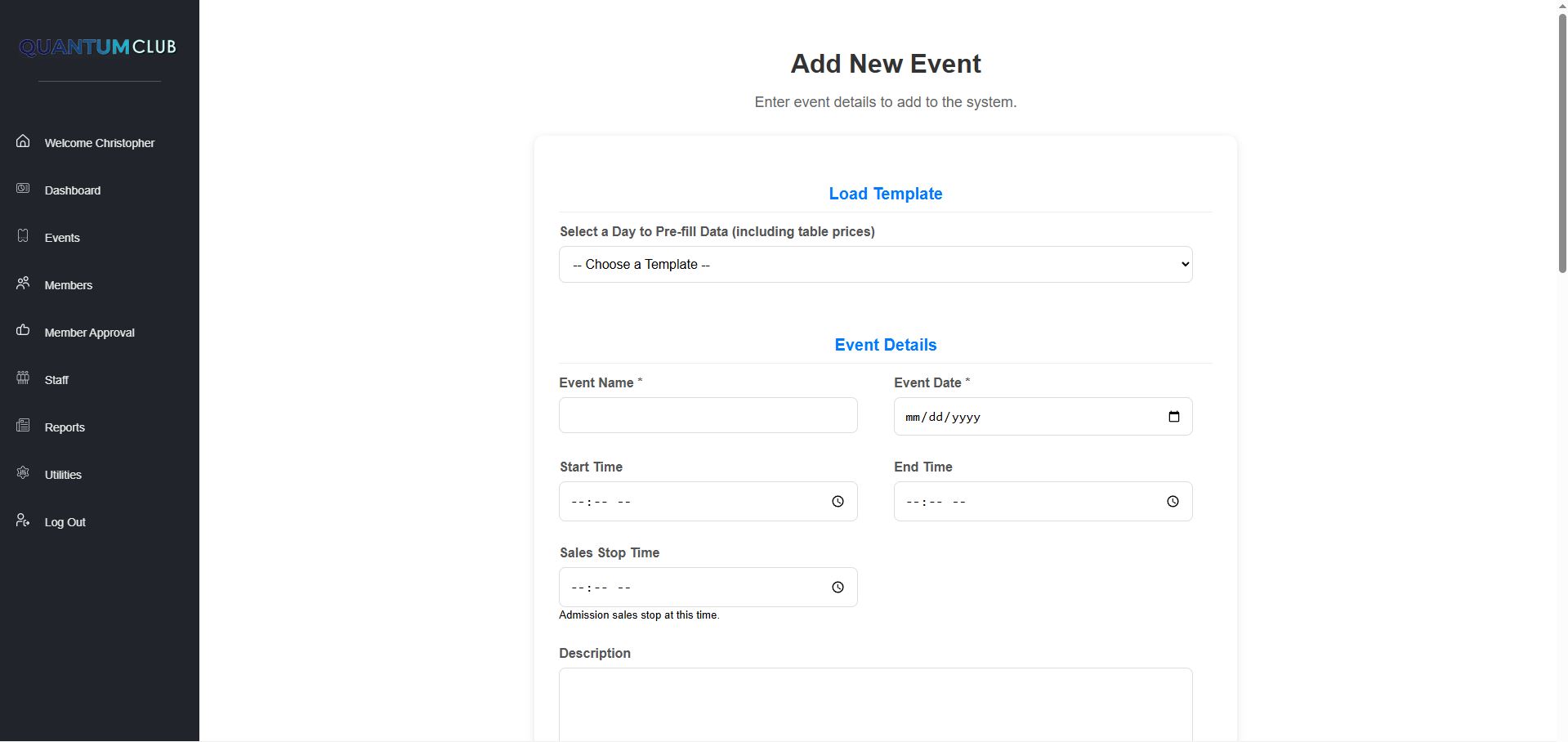
  • Name, date, time, and duration in one screen
  • Multiple pricing tiers — members, VIP, door vs. advance
  • Member-facing descriptions and event details
  • Internal notes only your staff can see
  • Recurring event templates — set up once, reuse forever
add event
Creating an event in QMS-CLUB
The midnight test

Saturday 8 PM to Sunday 5 AM? One event. Zero workarounds.

Most software falls apart the moment an event crosses midnight. QMS-CLUB was built by people whose events always cross midnight.

  • Events automatically span dates when needed
  • Correct display on member and admin calendars
  • Attendance tracked accurately across midnight
  • Reports reflect the actual event night — not two half-nights
  • No duplicate entries, no manual adjustments
event details
QMS-CLUB event details with overnight time span
Fill the room early

Reservations that sell the night in advance.

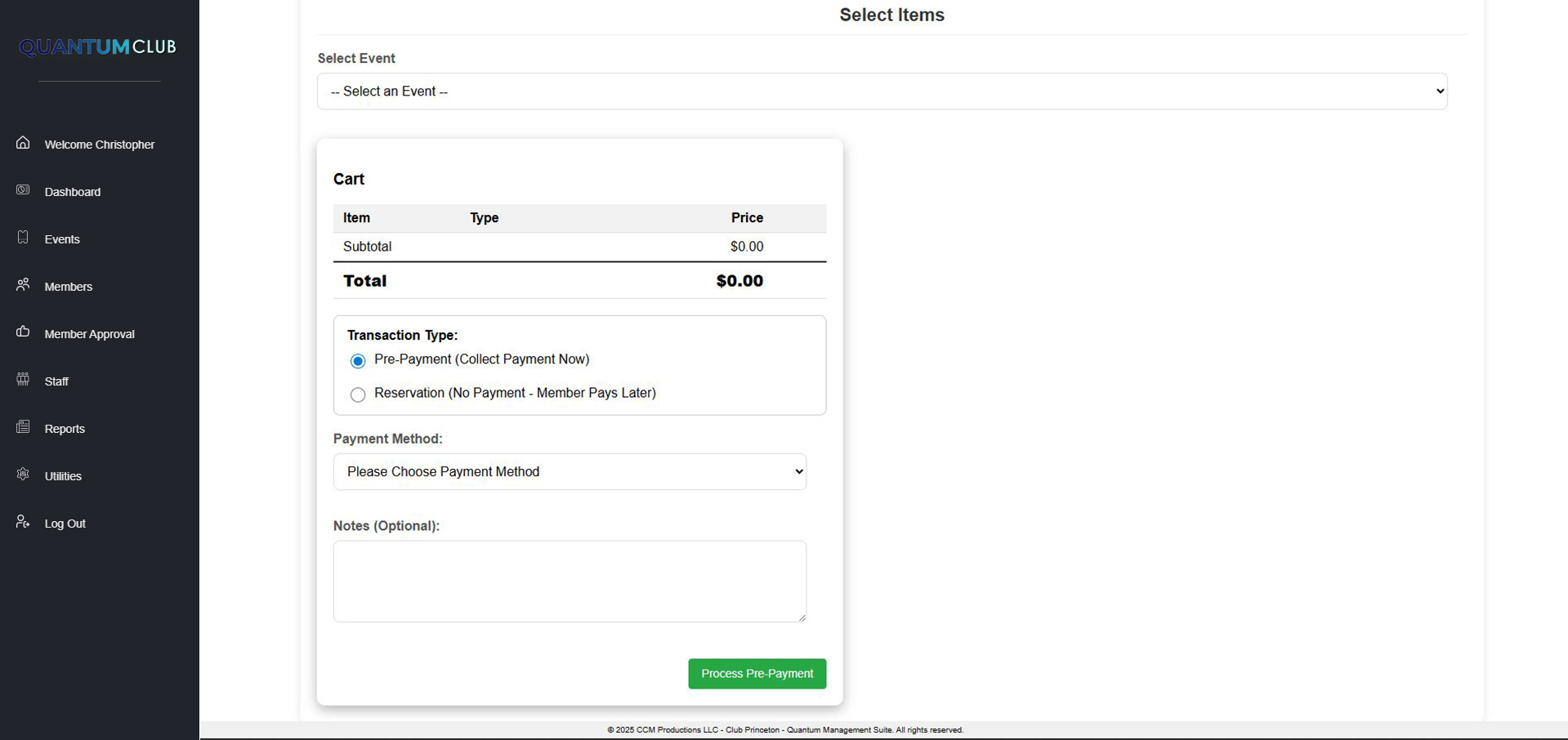
Members reserve online, you keep full control of capacity — and walk into every event already knowing the headcount.

  • Online reservation portal for members
  • Real-time availability display
  • Automatic confirmation emails
  • Easy modification and cancellation
  • Admin override when you need to make it happen
reservations
QMS-CLUB reservation management
VIP treatment, organized

Tables assigned before anyone asks.

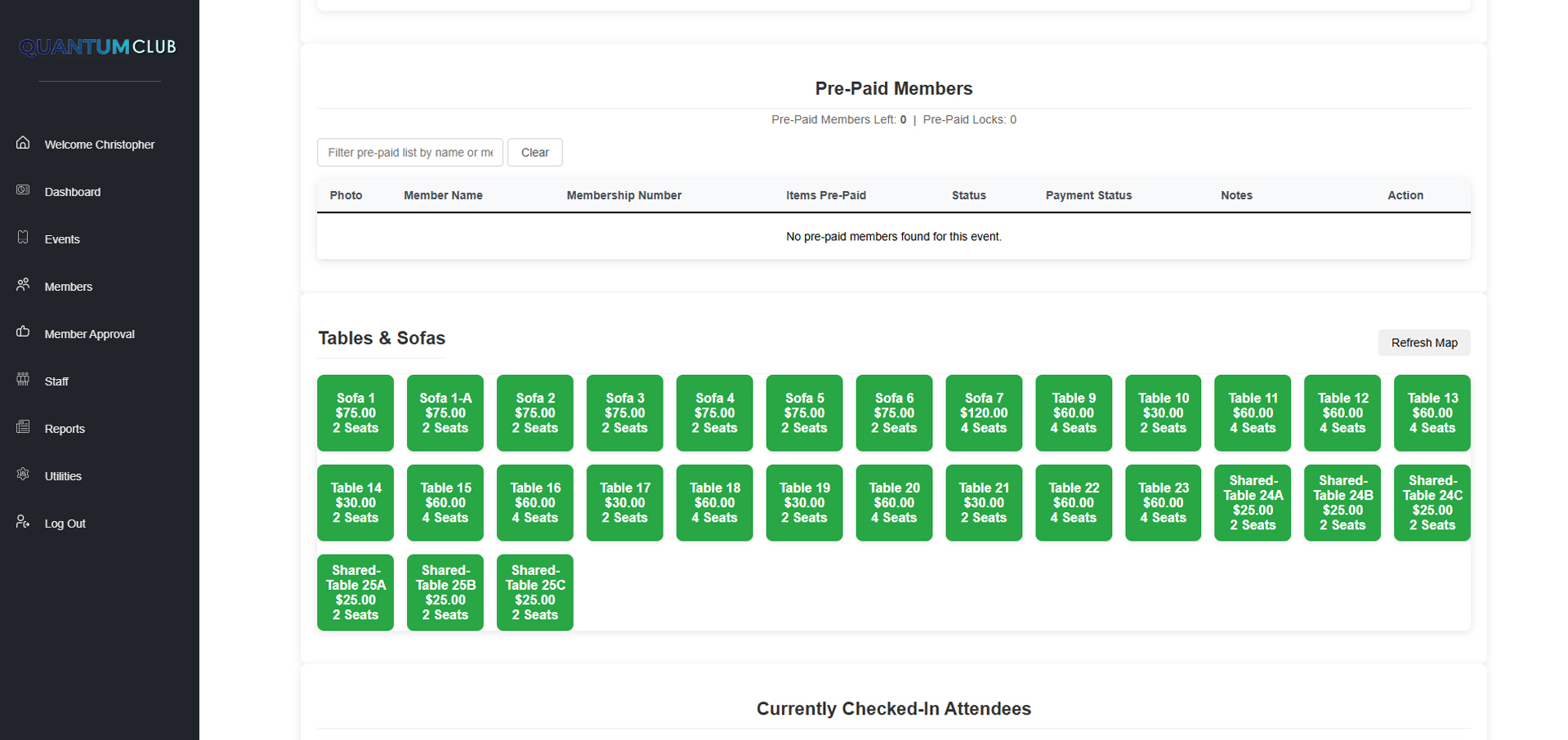
For events with reserved seating or table service, manage the whole floor inside the event system.

  • Define available tables per event
  • Assign members to specific tables
  • Capacity tracking per table
  • VIP and premium table designation
  • Optional visual table layout
table assignments
QMS-CLUB table assignments
Two audiences, one calendar

Members see the party. You see the numbers.

📆

Member View

A clean calendar of upcoming events with availability, pricing, and one-tap reservations.

🔧

Admin View

Reservation counts, revenue tracking, and quick-access editing for every event on the books.

📱

Any Device

Members browse and reserve from their phones; staff manage from anything with a browser.

And the rest

The details that make event night smooth.

🔔

Event Reminders

Automatic email reminders to members with reservations before every event.

📋

Check-In Lists

Door-ready check-in lists with all reservation details for your staff.

💵

Door Pricing

Different pricing for advance reservations vs. walk-up door purchases.

🎟️

Prepaid Events

Require payment at reservation, or allow pay-at-door flexibility per event.

📊

Event Analytics

Attendance trends, most popular nights, and revenue per event.

🔄

Recurring Events

Weekly or monthly recurring events from a single template.

While you read this

Somewhere, a club just sold out an event with zero phone calls.

Online reservations, automatic reminders, door lists that print themselves. That could be your next event.

See Event Management Live

Walk through a real event night
in a 15-minute demo.

From creating the event to reading the P&L the morning after — we'll show you every screen, live.

Book Your Free Demo Next: Membership →