QMS-SHOP · Payments

Card data you never store
is card data you can never leak.

PCI-compliant, tokenized payment processing through your credit card processor's API. Your customers pay with confidence — raw card numbers never touch your server.

storefront — secure checkout
QMS-SHOP secure checkout with embedded card form
Enterprise-grade security

Four layers between your customers' cards and trouble.

🔒

PCI Compliant

Your processor handles PCI compliance, so you never wrestle with the standards yourself — the integration is compliant out of the box.

🛡️

Tokenized Transactions

Card numbers are tokenized before they ever reach your server. Only secure tokens are processed — never the card itself.

🔐

Encrypted in Transit

Every transaction protected with TLS/SSL encryption — industry-standard security on every payment.

✅

Fraud Protection

Your processor's built-in fraud detection helps catch fraudulent transactions, reducing chargebacks and losses.

How it works

Four steps, zero card numbers on your server.

1️⃣

Customer Enters Card

Payment info goes into a secure embedded form on your checkout page.

2️⃣

Card Is Tokenized

The processor's API converts card data into a secure token — raw numbers never touch your server.

3️⃣

Payment Processed

QMS-SHOP sends the token to the processor's API to complete the payment securely.

4️⃣

Order Created

On success, the order is created and the customer gets instant confirmation.

Visa. Mastercard. Amex. Discover.

QMS-SHOP accepts all major credit and debit cards — your customers pay with whatever's in their wallet.

See a Live Checkout
Paper trail included

Refunds in a click. Records that reconcile themselves.

Process full or partial refunds right from your admin panel, with every transaction stored and traceable.

  • Full refunds with one click, partial refunds supported
  • Refund reason tracking and automatic order status updates
  • Customer notification emails on every refund
  • Transaction IDs stored for every payment
  • Syncs with your processor's dashboard
  • Export everything for accounting
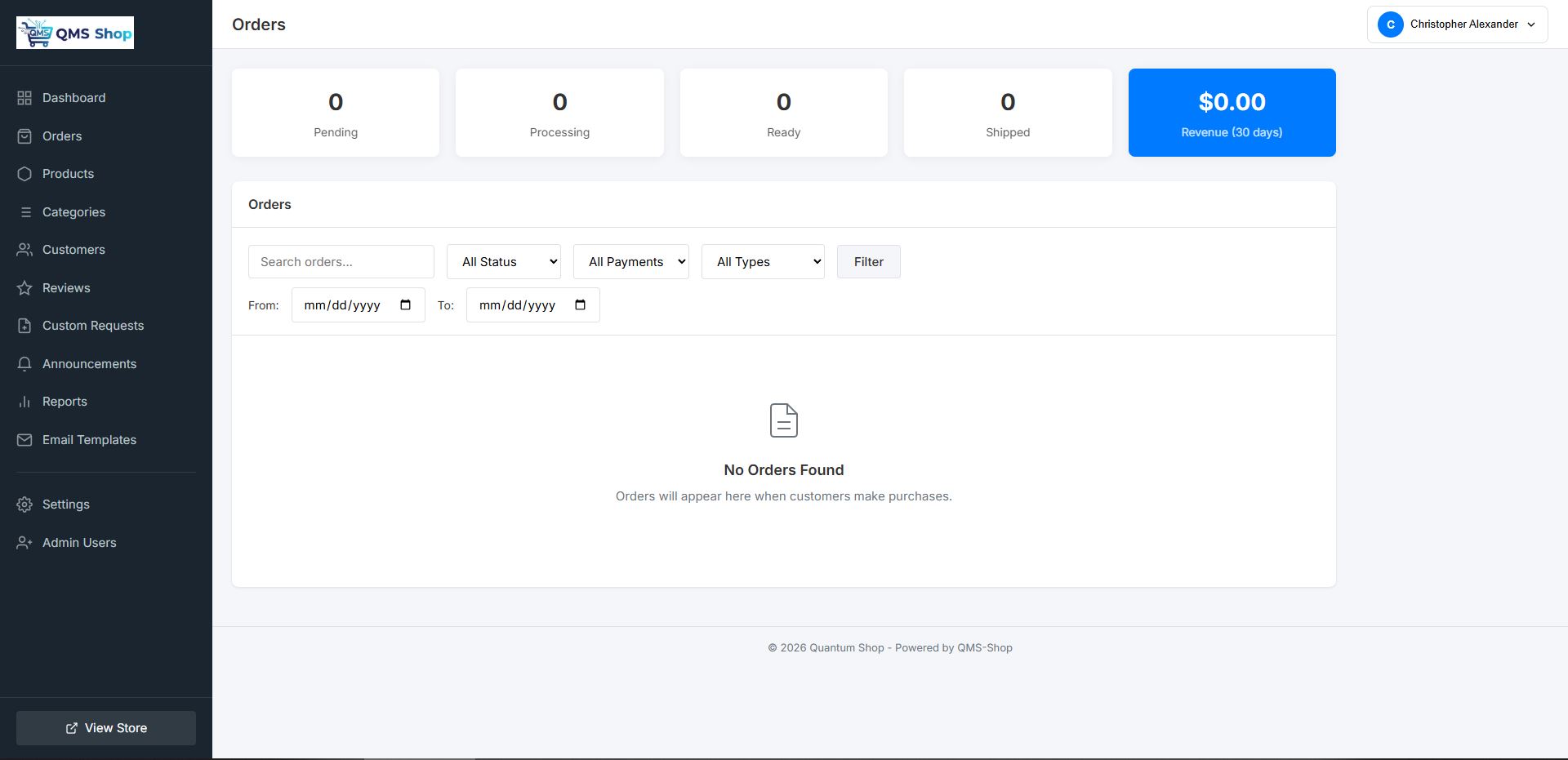
admin — orders & payment records
QMS-SHOP order list with payment and refund tracking
Set it once, forget it

Sales tax, calculated while you sleep.

Set your tax rate once and QMS-SHOP applies it to every order automatically — shown clearly at checkout, tallied cleanly in your reports.

  • Set your tax rate once
  • Automatically applied to every order
  • Tax shown clearly at checkout
  • Tax reporting in analytics
  • Customizable tax label, easy to enable or disable
admin — tax settings
QMS-SHOP automatic tax calculation settings
Launch day, de-risked

Test every dollar before the first real one.

QMS-SHOP supports your processor's sandbox environment, so you can run the entire checkout flow — errors and all — without charging a real card.

  • Sandbox mode toggle in settings
  • Test with your processor's test card numbers
  • Verify the entire checkout flow end to end
  • Test error handling before customers find it
  • Flip to production when you're ready
Book a Demo
admin — sandbox testing tools
QMS-SHOP sandbox testing tools
Easy setup

Connected to your processor in minutes.

No technical expertise required — if you can paste two credentials, you can take payments.

📝

1 · Create Account

Sign up with your card processor if you don't already have an account.

🔑

2 · Get Credentials

Generate your Application ID and Access Token from the processor's developer dashboard.

⚙️

3 · Enter in QMS-SHOP

Paste the credentials into QMS-SHOP's payment settings page.

💳

4 · Start Selling

You're ready to accept credit card payments on your store.

The 2 AM question

"Are my customers' cards safe?" should never keep a store owner awake.

Tokenized transactions, PCI compliance handled by your processor, and encryption on every byte — the safest card number is the one your server never sees.

See Secure Checkout Live

Take your first payment
the safe way.

Book a free demo and watch a card payment move from checkout to confirmation — tokenized, tracked, and recorded.

Book Your Free Demo Next: Reporting →